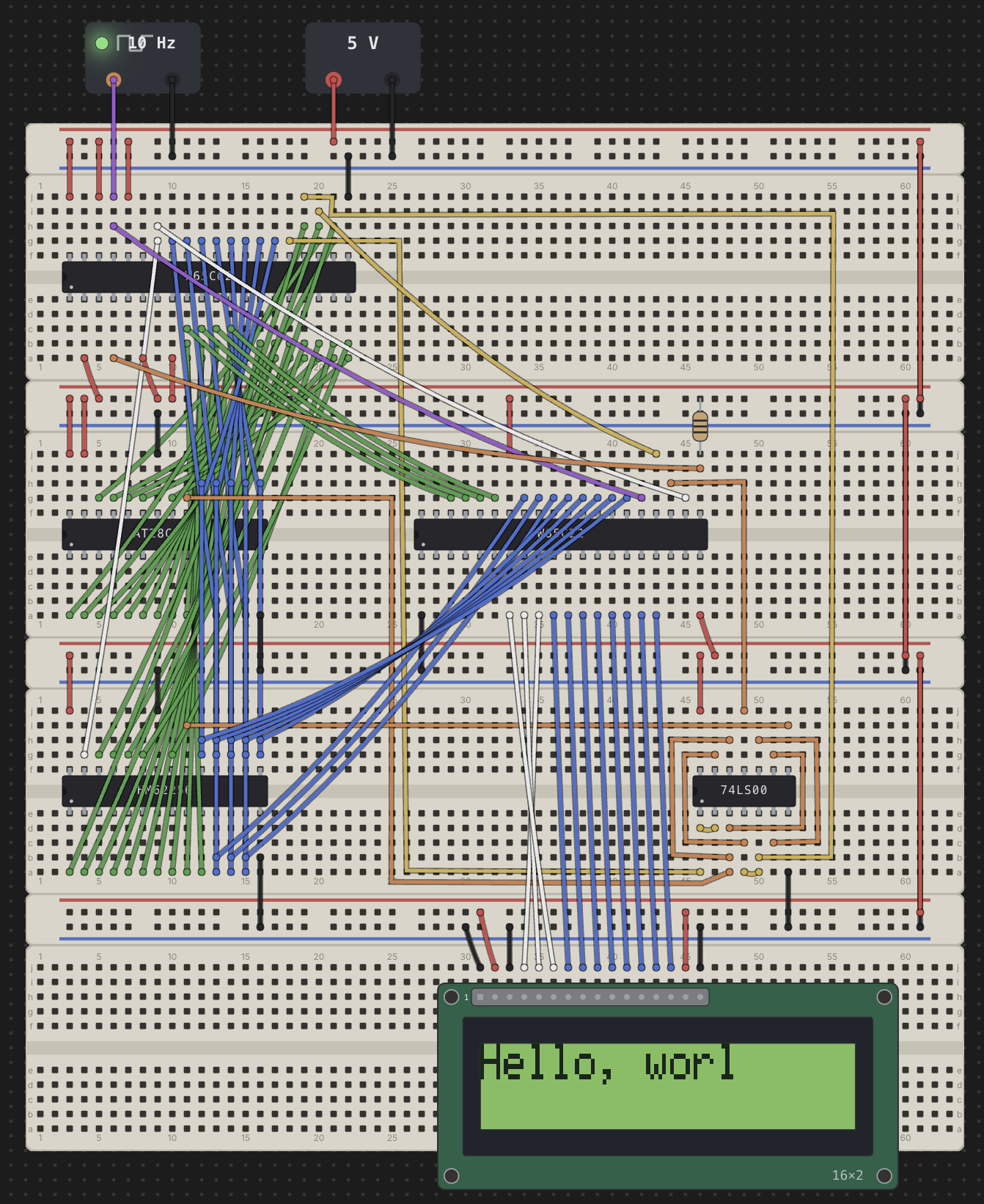
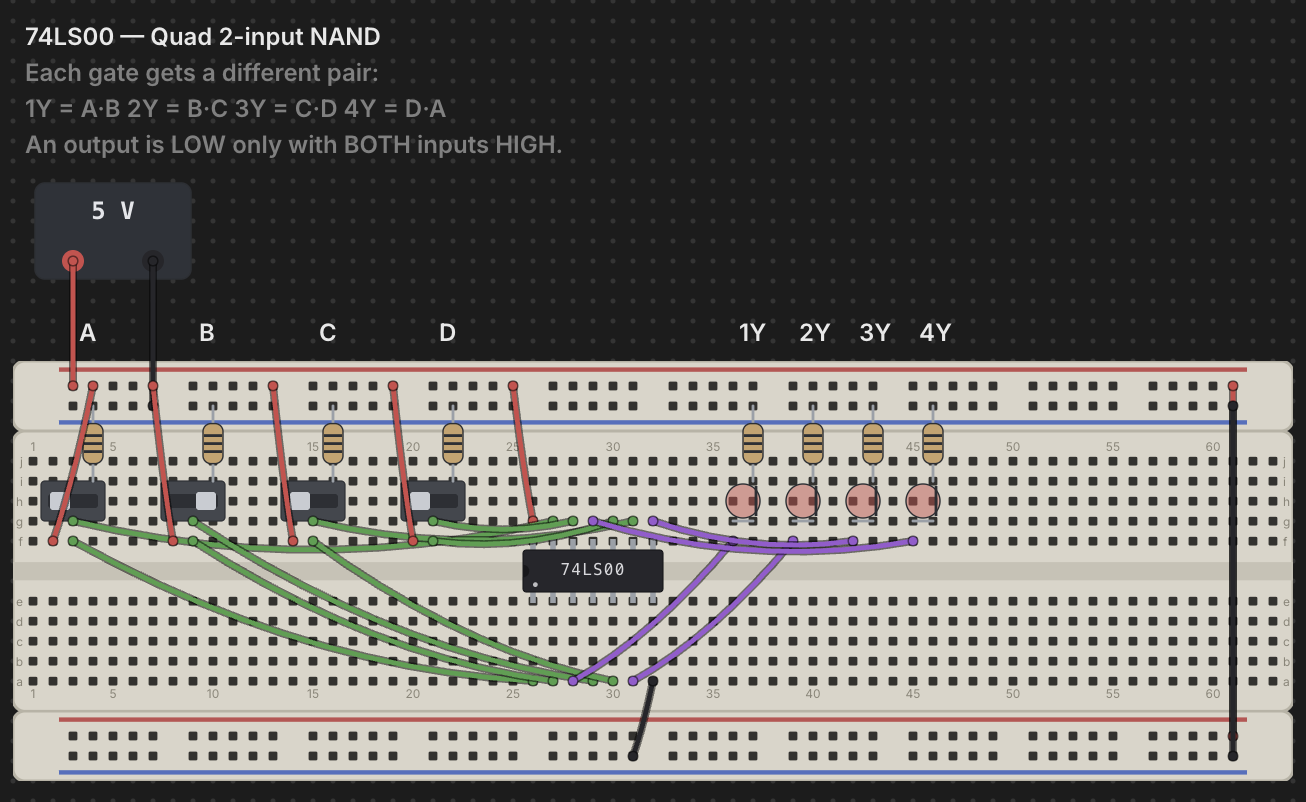
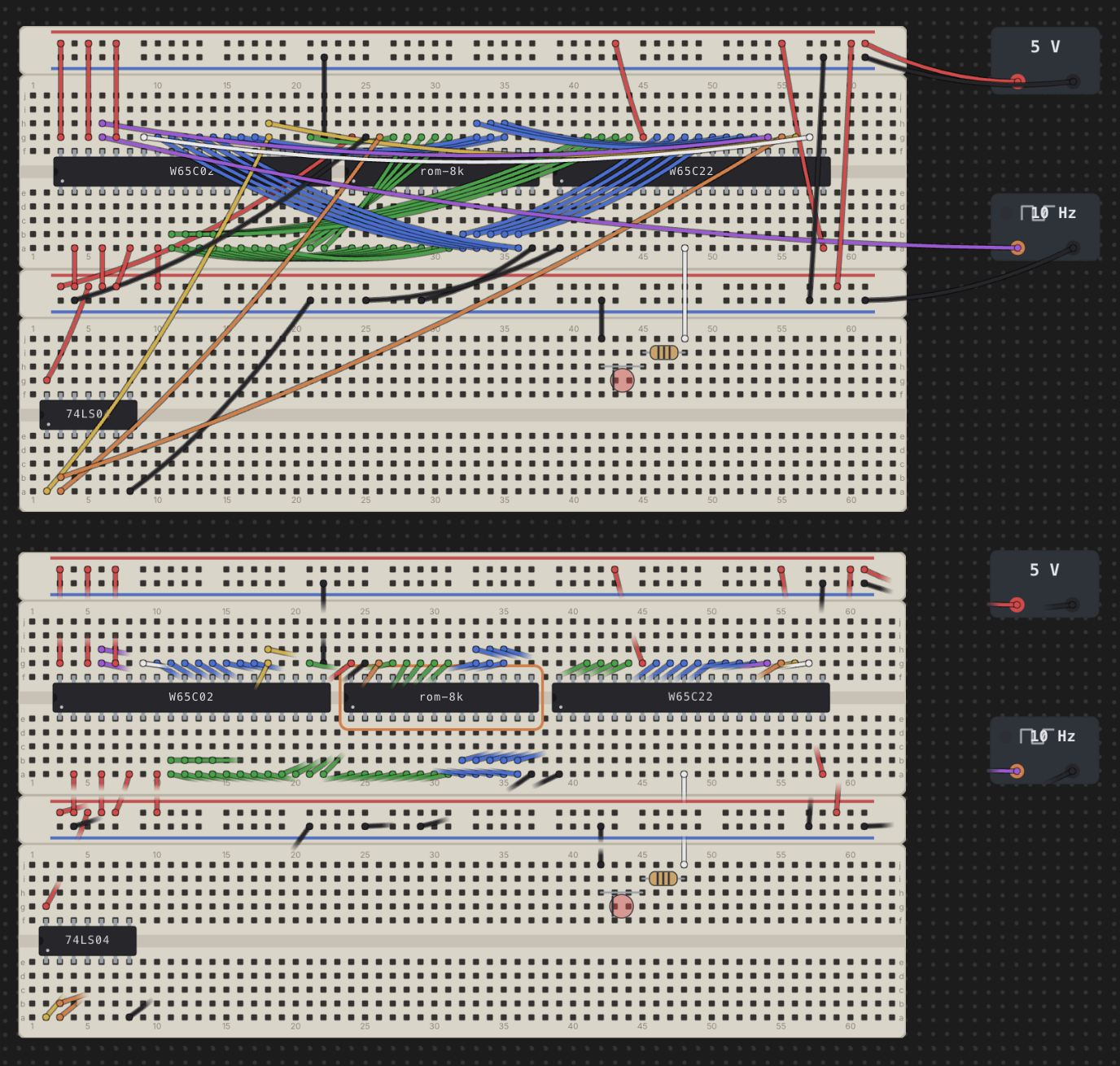
Chip Hippo is a desktop playground for TTL circuits. Drop 74-series chips onto an infinite desktop, wire them up, hit Run — and watch electricity ripple through every net until it settles. LEDs light, counters count, magic smoke. All offline.
macOS · Windows · Linux · Free & open source
Features
Everything you need to design a 74xx circuit, prove it out, and take it to a real breadboard — fast, keyboard-friendly, and fully offline.
An endlessly pannable, zoomable workspace. Drop Full 830, Half 400, and Tiny 170 boards — power rails and pin-boards snap together like the real thing.
Gates, flip-flops, counters, decoders, muxes, shift registers, comparators, and bus drivers — a data-driven catalog with datasheet-exact pinouts. Add a chip; it's just data.
Trace power from the supplies, resolve every electrical net, compute each chip's outputs, and ripple changes until the circuit settles. LEDs glow, switches act live.
Edge-triggered flip-flops, counters, and shift registers step correctly on every clock. A clock source drives the bench with Run / Pause / Single-step and speed control.
Address-indexed ROM, SRAM, and EEPROM on wide DIP packages. Drive the address bus and the stored byte appears on the data pins; write it back on a /WE pulse.
Slide switches, momentary push buttons, four-colour polarised LEDs, and 3 V / 5 V / 12 V supplies with addressable terminals. Wrong voltage? Watch a chip release its magic smoke.
Hover any hole to highlight its entire electrical net across every board and wire, with a live readout of what's connected and the level it's carrying.
Wire a whole address or data bus in a single gesture instead of one lead at a time — the bus tool tracks matching pin groups across chips and keeps the routing tidy.
Double-click any part for a floating pin-assignment window — the physical DIP diagram plus the manufacturer's connection diagram and function table, right on the desk.
Downloads
Version 1.0.2 — free to download and use. No account required.
The Mac App Store build is signed and notarized by Apple and needs nothing bypassed. Direct downloads are currently unsigned: on macOS, right-click the app and choose Open to bypass Gatekeeper the first time; on Windows, choose More info → Run anyway at the SmartScreen prompt. See the code-signing policy for how to verify a build, or build from source.
Previous releases
Feedback
Missing a 74xx part, a tool, or a workflow you rely on at the bench? Feature requests are tracked on GitHub, out in the open — open one and it goes on the list.
Found a bug instead? Report it the same way. A GitHub account is required to post.